What other people can see on Mastodon
- Your bookmarks: nobody. Only you see your list, and the author gets no notification.
- Your favourites: the author is notified, and the post shows who favourited it.
- Your boosts: public. They show on your profile and on the post.
Keep a private backup
Mastodon only keeps your bookmarks while the post exists. If the author deletes it or their account is suspended, the bookmark is gone. Birdfeeder keeps a private, searchable copy of every bookmark you save on your Mastodon instance, and every one of them stays private in Birdfeeder too.
Share the ones you choose
Mastodon is built on the open, federated ActivityPub protocol, but the posts you save still land in a private list that only you can see on your home instance. There is no built-in way to hand that list to anyone else. Birdfeeder adds that missing piece, letting you open up individual saved posts while keeping everything else to yourself.
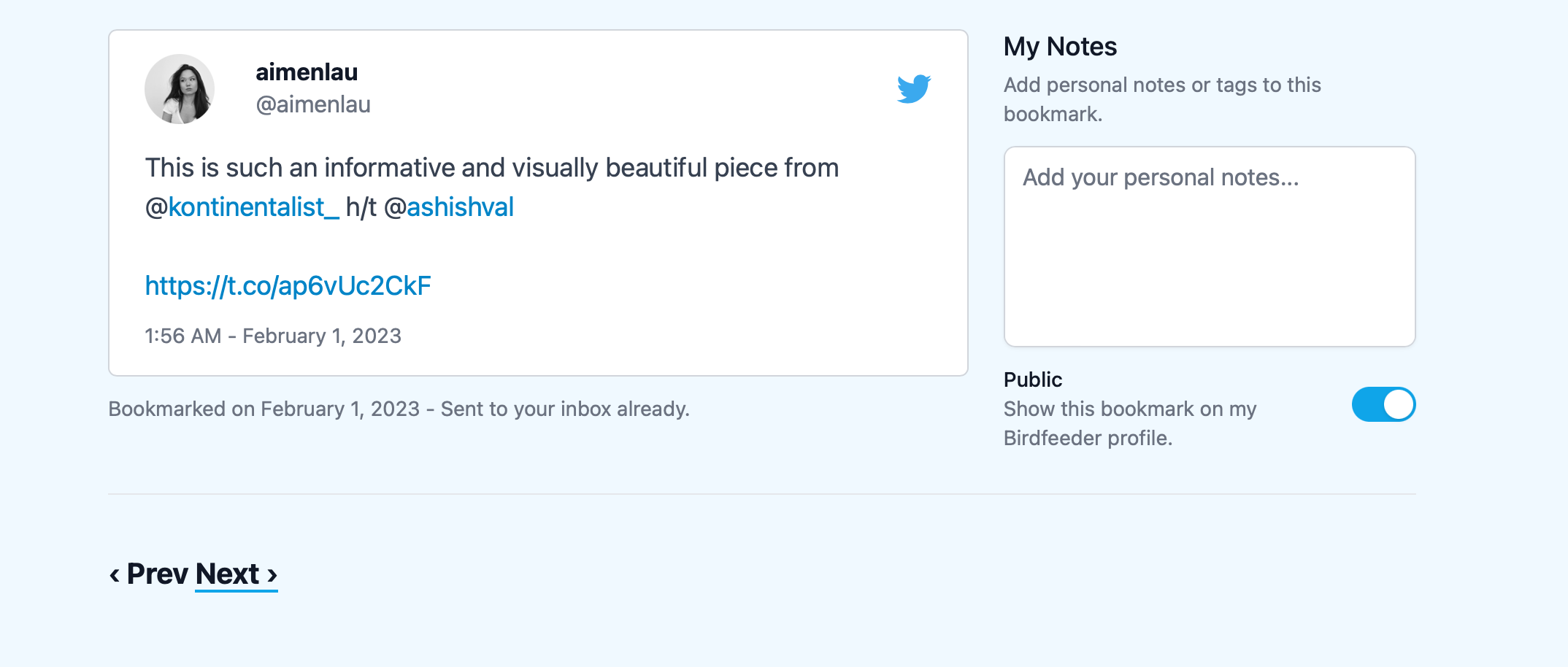
Each bookmark in Birdfeeder has its own visibility toggle. Switch a Mastodon post to public and it appears on your Birdfeeder profile; every other bookmark stays private. The moment you publish your first one we create a public Birdfeeder profile for you, giving the wider fediverse a curated page of your favourite finds rather than access to your whole reading list.
If you are curious what a public profile looks like, take a look at my personal profile.
Let us know what you think!