What other people can see on X
- Your bookmarks: nobody. Only you see your list, and the author gets no notification.
- The bookmark count: each post shows how many times it was bookmarked, but not by whom.
- Your likes: private since June 2024. Only the author of a post can see that you liked it.
- Your reposts: public. They show on your profile and on the post.
Keep a private backup
X only keeps your bookmarks while the post exists. If the author deletes it or their account is suspended, the bookmark is gone. Birdfeeder keeps a private, searchable copy of every bookmark you save on x.com, and every one of them stays private in Birdfeeder too.
Share the ones you choose
On x.com your bookmarks are locked to your own account. Nobody else can see a single Tweet you save, and there is no way to open that list up to anyone. Birdfeeder changes that on a bookmark-by-bookmark basis, so you decide exactly which saved Tweets stay private and which ones you want to show off.
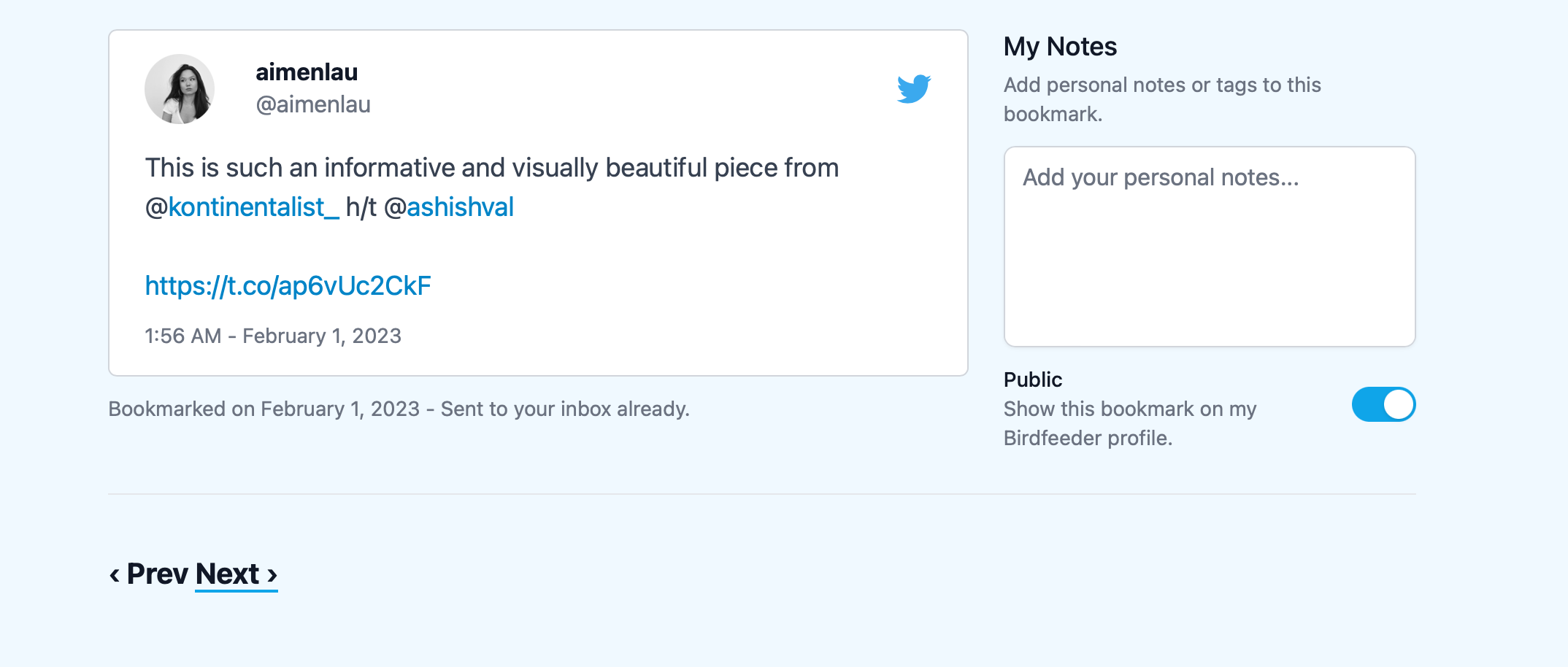
Every bookmark in Birdfeeder carries its own visibility toggle. Flip a Tweet to public and it joins your Birdfeeder profile; the rest stay hidden. The first time you make one public we spin up a public Birdfeeder profile for you automatically, so your x.com followers get a clean page of the finds you actually want to share instead of your entire private stash.
If you are curious what a public profile looks like, take a look at my personal profile.
Let us know what you think!